E-commerce
September 30, 2026
Wondering how to leverage the new Performance Max optimization tools for your Google Ads campaigns?
Good news: Google recently rolled out features that make PMax more transparent and flexible. You can now see which channels are performing, exclude devices, manage final URLs, and refine your audiences with Search Themes.
However, these options require some expertise to avoid pitfalls, such as automatic URL expansion or disabling AI-generated assets. A solid understanding of these tools will allow you to maximize your return on ad spend.
So, how do you optimize your Performance Max campaigns with Google's new tools? On the agenda:
What are the new performance reports by channel?
How do you manage Final URL expansion without losing control?
Why and how should you use negative keywords in PMax?
How do Search Themes improve targeting?
What strategy should you adopt for your ad assets?
Let's dive in.
Summary
What are the new channel performance reports in PMax?
With the latest updates, Performance Max finally offers clear visibility into the channels that drive traffic and conversions. You can see, for example, that Google Discover accounts for 5.36% of your spend and one conversion. This transparency is valuable for assessing the relevance of PMax to your business.
The channels covered include Discover, Display, Gmail, Maps, Search, and YouTube. Although you cannot exclude a specific channel, this new data helps you understand where your ads are being served. This allows you to decide whether PMax is the right lever for your goals.
To take it a step further, you can exclude non-converting ads and keywords, which further refines the analysis. This visibility is a first step toward finer optimization of your campaigns.
Additionally, channel reports allow you to compare performance across different networks. For example, if you notice that Search delivers a better return on investment than Display, you can adjust your bids accordingly. This granularity helps you make informed decisions and justify your choices to your stakeholders.

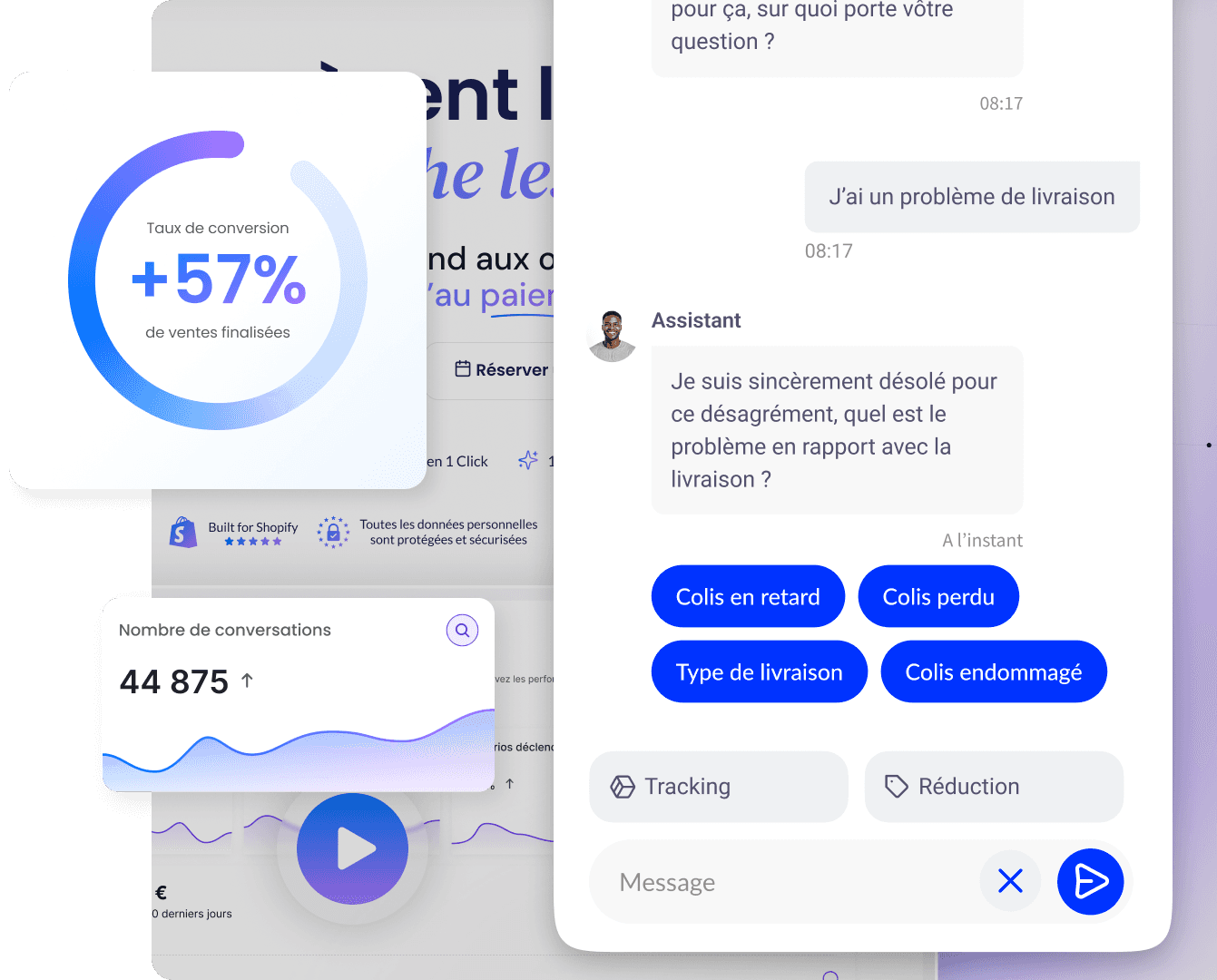
Convert over 2,000 customers on average per month with Qstomy.
The world’s 1st Shopify AI dedicated to customer conversion

Empowering 200+ e-commerce merchants
How does Final URL expansion work in Performance Max?
By default, new Performance Max campaigns enable Final URL expansion. This means that Google can send users to a landing page different from the one you set, if it improves conversions. This option can be beneficial, but it is crucial to monitor which pages are actually converting.
In the "Assets" tab, you will find the Final URL expansion assets. You can exclude irrelevant URLs via "Asset optimization" in the campaign settings. Click on "Customize" to enable or disable this feature according to your needs.
If you prefer to maintain strict control over your landing pages, disable this option. Otherwise, leave it on and regularly analyze performance to avoid unpleasant surprises.
It is also recommended to test expansion for a limited period to measure its impact. Compare conversion rates and costs with and without expansion. This approach allows you to determine whether Google's automation is beneficial for your account or if it hurts your profitability.
Why use asset optimization in PMax?
Asset optimization allows you to see the source of each component in your Performance Max ads. For example, a Google-generated headline might convert twice as well as your own. You can then pause automatically created assets, just as you would with keywords.
This feature is available at the account level, but not at the campaign level. If you turn off an automated asset, it affects your entire account. So think carefully before taking action, especially if you don't want Google-generated sitelinks to appear.
By monitoring asset performance, you can identify which ones are working and which ones are hurting your results. This helps you refine your creative strategy and improve your conversion rate.
For a deeper analysis, use asset performance reports to compare variants. Regularly test new headlines and descriptions to maintain the relevance of your ads. This practice allows you to stay competitive and continually optimize your campaigns.
How to add negative keywords in Performance Max?
Negative keywords have always been available in Performance Max, but setting them up was complex. You had to go through a Google representative or create an account-level list. Now, adding negative keywords is quick and easy.
To discover which keywords to exclude, use the "Search terms" option in the "Insights and reports" tab. You can view the data and select terms to exclude directly. This feature allows you to avoid irrelevant searches that waste your budget.
By refining your exclusions, you improve your ads' relevance and reduce unnecessary costs. It is a powerful lever for optimizing your PMax campaigns.
Remember to update your negative keyword lists regularly based on new queries that appear. Analyze terms that generate impressions but few clicks, and those that generate clicks but no conversions. This vigilance allows you to maintain precise targeting and avoid budget waste.
How do Search Themes improve targeting in PMax?
Google introduced Search Themes in 2023 to guide its AI. These themes work like keywords, but without the requirement for an exact match. For example, a winter jacket seller can set themes like "winter jackets", "men's jackets", or "women's jackets".
Ads do not only display if the internet user types these terms. They appear if your website's content or the user's search history indicates relevance. Combined with audience signals, Search Themes help Google understand the user's profile.
Google now allows up to 50 Search Themes per asset group, up from 10 previously. This increase gives you more flexibility to refine your targeting and improve the performance of your campaigns.
To maximize their effectiveness, choose themes that reflect your customers' purchase intent. Use word variations, synonyms, and terms related to your industry. This diversity allows the AI to better understand your offering and reach more qualified audiences.
What are the benefits of channel transparency for merchants?
Channel transparency in Performance Max is a major asset for e-commerce merchants. You finally know where your ads are being served and which channels are driving conversions. This allows you to allocate your budget more smartly and justify your ad spend.
For example, if you notice that YouTube generates few conversions, you can redirect your efforts toward Search or Display. Although you cannot exclude a channel, this visibility helps you adjust your bids and messaging.
This data is also useful for comparing PMax to other campaign types. You can thus decide whether PMax is the right choice for your overall strategy.
Additionally, this transparency facilitates communication with your clients or management. You can demonstrate the effectiveness of your campaigns with concrete data, which builds trust and justifies advertising investments.
How to avoid the pitfalls of final URL expansion?
Final URL expansion can be a trap if it sends users to irrelevant pages. To avoid this, regularly monitor expansion assets in the "Assets" tab. Exclude URLs that do not match search intent.
Use the "Asset enhancement" option to control landing pages. If you notice low conversions on certain pages, turn off expansion or refine your exclusions. This allows you to maintain control while benefiting from the flexibility of PMax.
Finally, test different configurations to find the right balance between automation and control. Every campaign is unique, and what works for one merchant might not work for another.
It is also recommended to set up alerts to monitor performance changes after modifying expansion settings. This enables you to react quickly in the event of a drop in conversions and adjust your strategy accordingly.
How to analyze the performance of Google-generated assets?
Google-generated assets can sometimes outperform your own. To find out, check the asset performance reports in PMax. You will see which headlines, descriptions, or images convert best.
If an automated asset performs well, keep it active. If it doesn't convert, you can pause it. This flexibility allows you to optimize your ads without starting from scratch.
Keep in mind that disabling an automated asset affects the entire account. Therefore, test on a small scale before making drastic decisions.
For a more detailed analysis, segment your reports by asset type and channel. This allows you to identify winning combinations and adjust your creative strategy accordingly. Continuous optimization of your assets is essential to maintaining high performance.
What strategy should be adopted for negative keywords in PMax?
To make the most of negative keywords, start by analyzing search queries. Identify terms that generate clicks but few conversions. Exclude them to improve your conversion rate and reduce costs.
Use account-level negative keyword lists for centralized management. This saves you time and ensures consistency across your campaigns. Update these lists regularly based on new data.
Finally, test different levels of exclusions to find the right balance. Too many exclusions can limit your reach, while too few can waste your budget.
Also, consider using negative exclusions for competing brands or generic terms that do not match your offering. This strategy allows you to focus your spending on queries with high purchase intent, thereby improving your return on investment.
How can Search Themes boost your e-commerce sales?
Search Themes are a powerful tool to refine your targeting and improve your sales. By defining relevant themes, you help Google understand your offering and reach qualified users. For example, for a shoe store, use themes such as "running shoes", "women's sneakers", or "winter boots".
With up to 50 themes per asset group, you can cover a wide range of variations. This increases your chances of appearing in relevant searches, even if the user has not typed your exact keywords.
To maximize the impact, combine Search Themes with audience signals and conversion data. This holistic approach improves the relevance of your ads and boosts your performance.
Feel free to adjust your themes according to seasons or market trends. For example, for a clothing store, add themes related to the holidays or sales. This adaptability allows you to remain relevant and capture consumers' attention at the right time.
How does Qstomy help optimize your Performance Max campaigns?
Qstomy, the Shopify AI agent, complements your advertising efforts by optimizing post-click conversion. While PMax drives traffic, Qstomy guides your visitors toward a purchase through personalized recommendations, cross-selling and upselling, and seamless order tracking.
With over 100 merchants supported, Qstomy improves your store's conversion rate, maximizing the return on your ad spend. By reducing cart abandonment and offering responsive customer service, Qstomy turns your clicks into real sales.
Integrating Qstomy into your PMax strategy allows you to get the most out of every visitor, thereby increasing the profitability of your campaigns.
Additionally, Qstomy provides detailed analytics on visitor behavior, enabling you to identify friction points in your sales funnel. These insights help you refine your landing pages and improve the user experience, resulting in higher conversion rates.
What is the checklist before launching an optimized Performance Max campaign?
Before launching your PMax campaign, check the following points:
Assets: make sure you have diverse headlines, descriptions, and images to let the AI do its work.
Final URLs: decide whether you enable expansion and prepare exclusions if necessary.
Negative keywords: create a list of terms to exclude to avoid wasted clicks.
Search Themes: define up to 50 relevant themes to guide the AI.
Tracking: set up conversions and reporting to analyze performance.
In short, PMax's new tools offer more control and transparency. Use them to refine your campaigns and improve your results.
FAQ: Frequently Asked Questions about PMax Tools
Can I exclude a specific channel in PMax? No, but you can see performance by channel and adjust your strategies accordingly.
How do I disable Final URL expansion? Go to the campaign settings, "Customization" section, and disable the option.
Are Search Themes mandatory? No, but they improve the targeting and relevance of your ads.
To go further: E-commerce integrations: connecting your tools for greater efficiency - Qstomy, How does Google Ads assemble responsive search ads? - Qstomy, Google Analytics for marketing: advertising, traffic, and performance (GA4) - Qstomy, How does Google rank Shopping ads? Ad Rank, feeds, and bids - Qstomy, E-commerce CRO: how to turn traffic into sales - Qstomy, E-commerce digital marketing: channels, tools, and tactics - Qstomy, E-commerce searchandising: optimizing internal search with customer terms - Qstomy.

Enzo
September 30, 2026